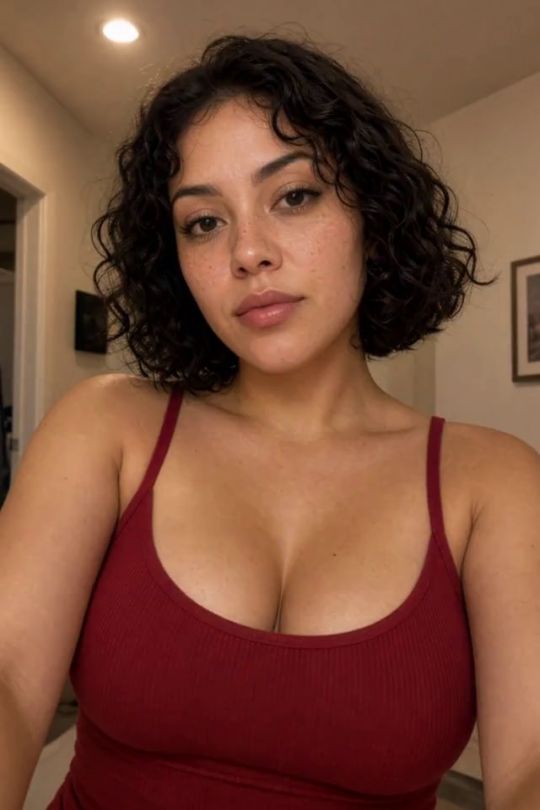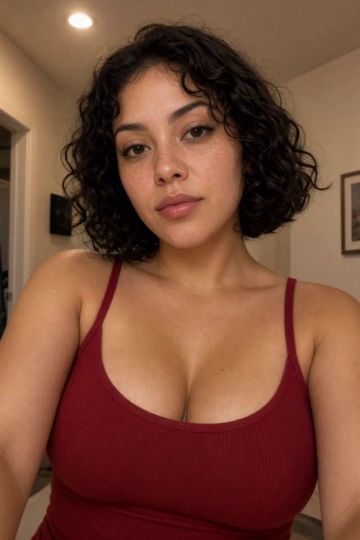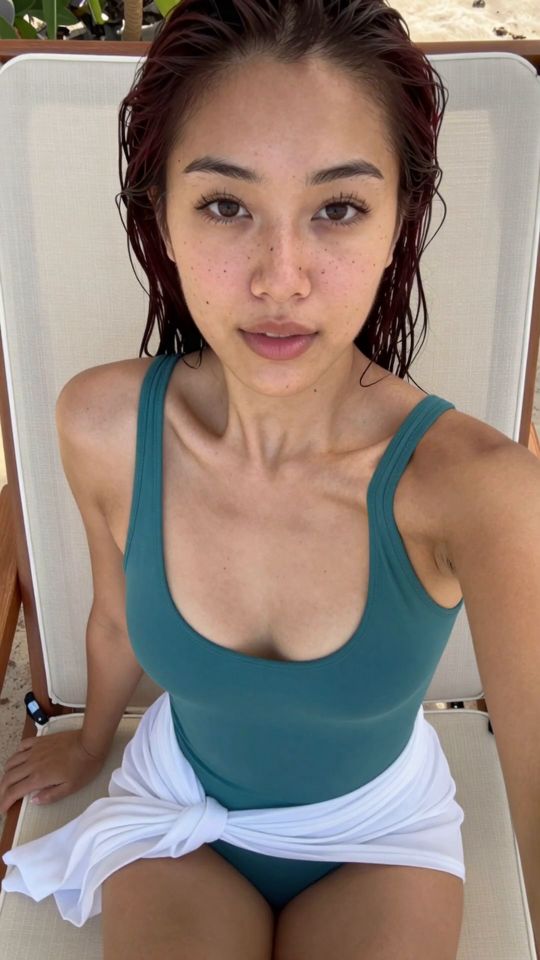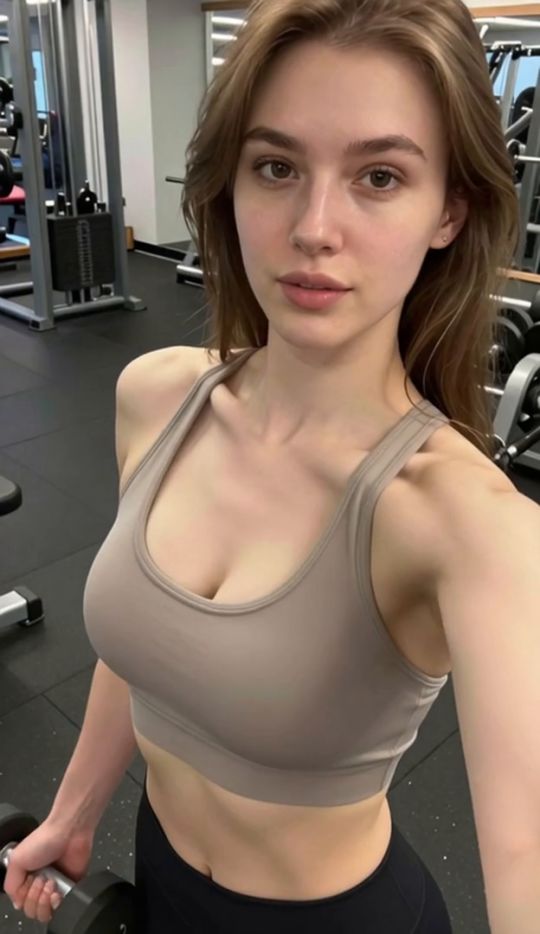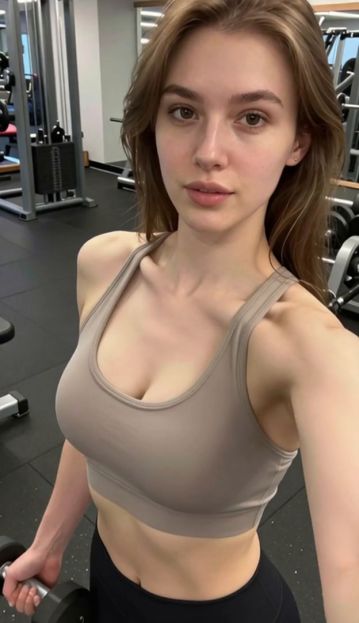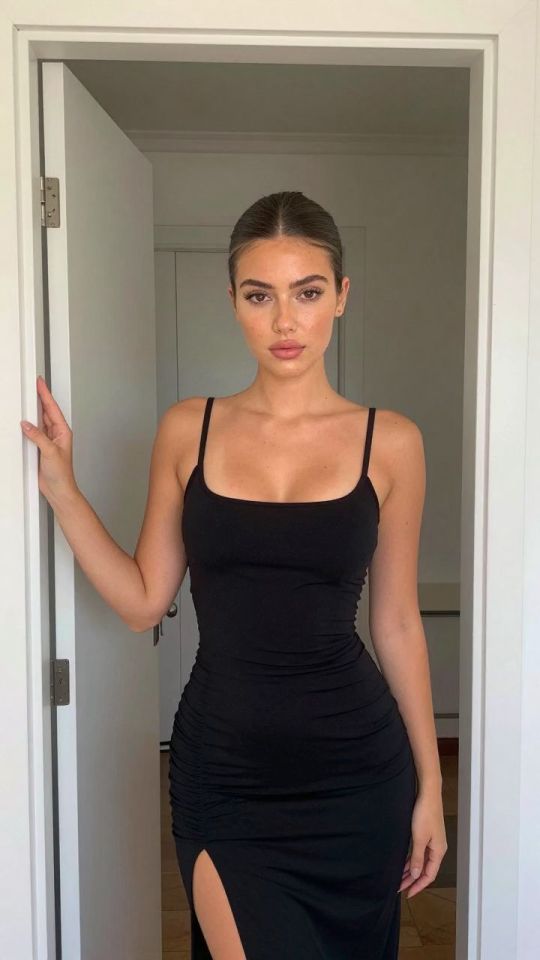
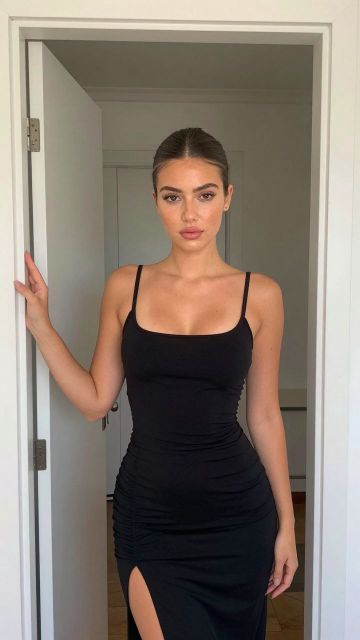
 IMAGE
⚡ Generate
IMAGE
⚡ Generate

Photo to Video · 9∶16 vertical · MP4
Best input: Works with upper body photo
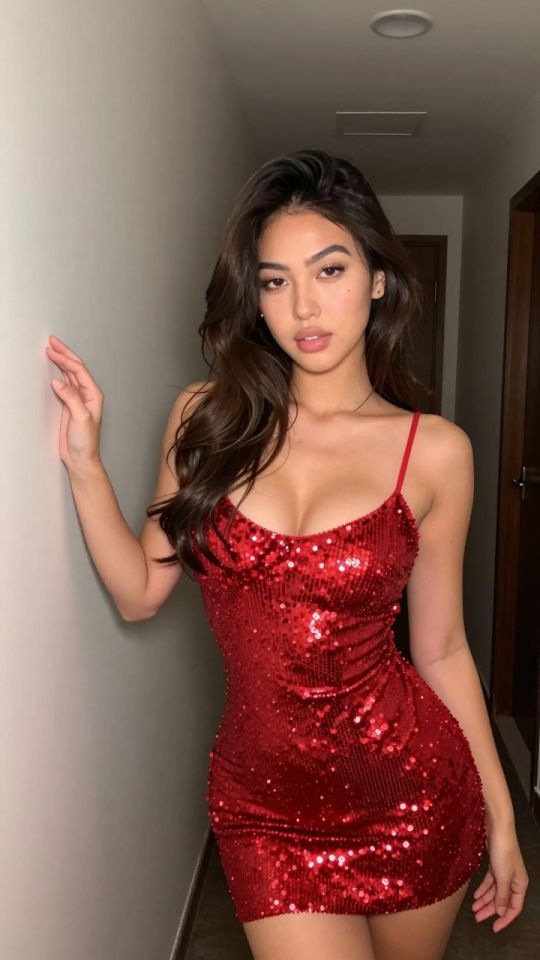 Preview

Analyzing your photo…
Your result will appear right here — keep this open.
0:00
Your image is deleted after generation.
Browse filesFailed jobs are refunded automatically. Results land in My Collection.
Paid jobs show their full price before you confirm; failed jobs are refunded automatically.
This photo-to-video template animates a single still photo. Works with upper body photo One clear subject, good light and a sharp image will always give the most convincing motion.
Best photo in one line: a close front-facing photo with your face large in the frame, mouth open and tongue out.
The template carries a tuned motion preset built for this exact movement. You supply the photo; the preset drives the body motion, camera behavior and pacing, so no prompt writing is needed.
Works with upper body photo Sharp, well-lit photos with one clear subject always outperform dark or crowded shots.
720p costs 351 credits for 5 seconds or 561 credits for 8 seconds, always shown on the button before you confirm. Failed jobs are refunded automatically.
Analyzing your photo…
Your result will appear right here — keep this open.
0:00
Your image is deleted after generation.
Browse filesFailed jobs are refunded automatically. Results land in My Collection.